Stay with the conversation. Meetings brings call and presentation support together with optional AI meeting notes and local transcription. Start in your usual app. Choose what to capture.
7-day Pro trial · No card required · Free plan available
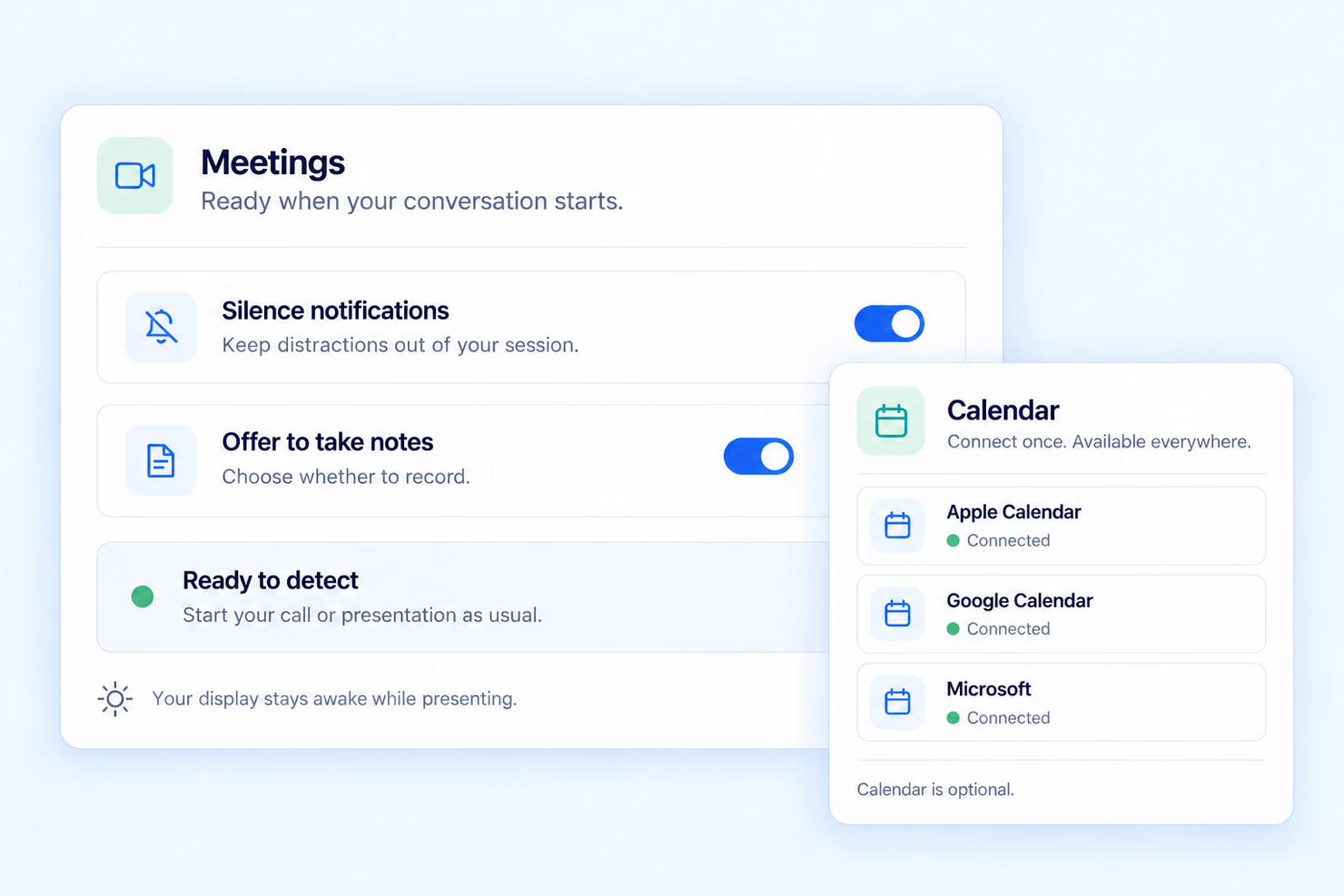
Your familiar apps
Start your call or presentation as usual.
Your recording choice
Session recognition never records by itself.
Your notes, on your Mac
Recording and transcription are processed locally.
WHEN YOU PRESENT
Keep your focus on the room.
Start your presentation as usual. For a recognized presentation, Meetings keeps your display awake and uses your notification preference. Previous settings are restored afterwards.
Notes stay optional. A presentation file can add context to a saved recap; it does not replace what was actually said.
Explore presentation support →
CONTEXT, WHEN IT HELPS
Connect a calendar. Keep your agenda.
A calendar connection is optional. Connect once to use available appointment titles and context across calls, presentations and standalone recordings.
You can use Meetings without a calendar connection. Your calendar stays in charge of your schedule.
Find setup help →
OPTIONAL AI MEETING NOTES & TRANSCRIPTION
Choose to record a supported session, or start a standalone recording for a spontaneous conversation. Each saved session keeps the recording, transcript and available recap together.
The recording
Capture the conversation you choose to keep. Recognition alone does not turn the microphone or system-audio recording on.
The transcript
Return to a locally transcribed version of your recording. Review important names, figures and details against the original audio.
The AI recap
When your Mac and language support it, review an AI summary. Otherwise, clearly labelled transcript excerpts give you a way back into the conversation.
Choose local or optional cloud AI.
Audio recording requires macOS 15 or later. Local AI recaps depend on macOS, Apple Intelligence and language support. Otherwise, review labelled transcript excerpts. Optional cloud AI requires an eligible subscription, consent and service availability.
BEFORE, DURING AND AFTER
01
Start your conversation
Open your call or presentation in the app you already use. Tapquence looks for supported sessions and offers assistance.
02
Make a choice for this session
Use your saved preferences or change notes for this conversation. Confirm before an audio recording starts.
03
Return to Recaps
Find the sessions you chose to record. Review the recording, transcript and available AI recap when you need the context again.
Read the Meetings setup guide →
TWO PREFERENCES. YOUR CHOICE.
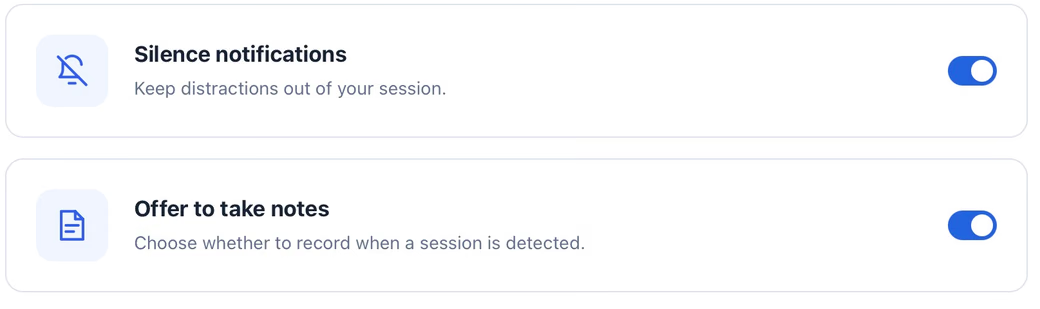
Set your defaults once. You can choose notes differently for one session without changing the preference for your next conversation.
Silence notifications
Choose whether to keep notification distractions out of supported calls and presentations.
Offer to take notes
See a choice to record when a supported session is detected. An offer is a prompt, not an automatic recording.
Pause recognition when you need to.
Pause new session prompts and resume when you are ready. If detection needs attention, Meetings shows the status so you can try again.
LOCAL BY DESIGN
Recording and transcription are processed on your Mac. Optional cloud AI sends transcript text, segment timings and speaker labels, plus the meeting title and date when available, to our service and OpenAI after your consent. Audio, screenshots and presentation files are not uploaded for cloud AI. Initial setup, accounts, connected services and sharing can use the network.
Read our privacy policy →
QUESTIONS, ANSWERED
Visit the Help Center →
No. Start in your usual call or presentation app. Meetings looks for supported sessions and offers assistance. Detection depends on the app and permissions.
No. Detection alone never starts an audio recording. Choose whether to take notes and confirm the session before recording begins.
Yes. Recording and notes are optional. Use your notification preference and presentation support without keeping an audio recording.
Yes. Transcription and AI recaps are separate stages. When an AI recap is unavailable, you can review the recording, transcript and clearly labelled transcript excerpts.
Session recognition varies by app, browser and permissions. You can record a spontaneous conversation manually when automatic recognition is unavailable.
Free includes 5 completed local recording, transcript and recap sessions and 10 Macro starts per UTC calendar month after the 7-day Pro trial. Pro is €8.99/month or €89.99/year; Unlimited is €19.99/month or €199.99/year. Paid plans renew until cancelled. Pro includes 1,200 cloud AI source minutes per subscription month when available. Unlimited has the same features with unlimited source minutes for your own meetings. Existing one-time Pro purchases keep their local feature access without a recurring cloud AI allowance.
Explore Meetings in Tapquence. Keep your familiar apps and choose the support you need.
7-day Pro trial · No card required · Free plan available

© 2026 Tapquence. All rights reserved.