Clear answers about this topic and how Tapquence works.
Can I create macros on a Mac without coding?
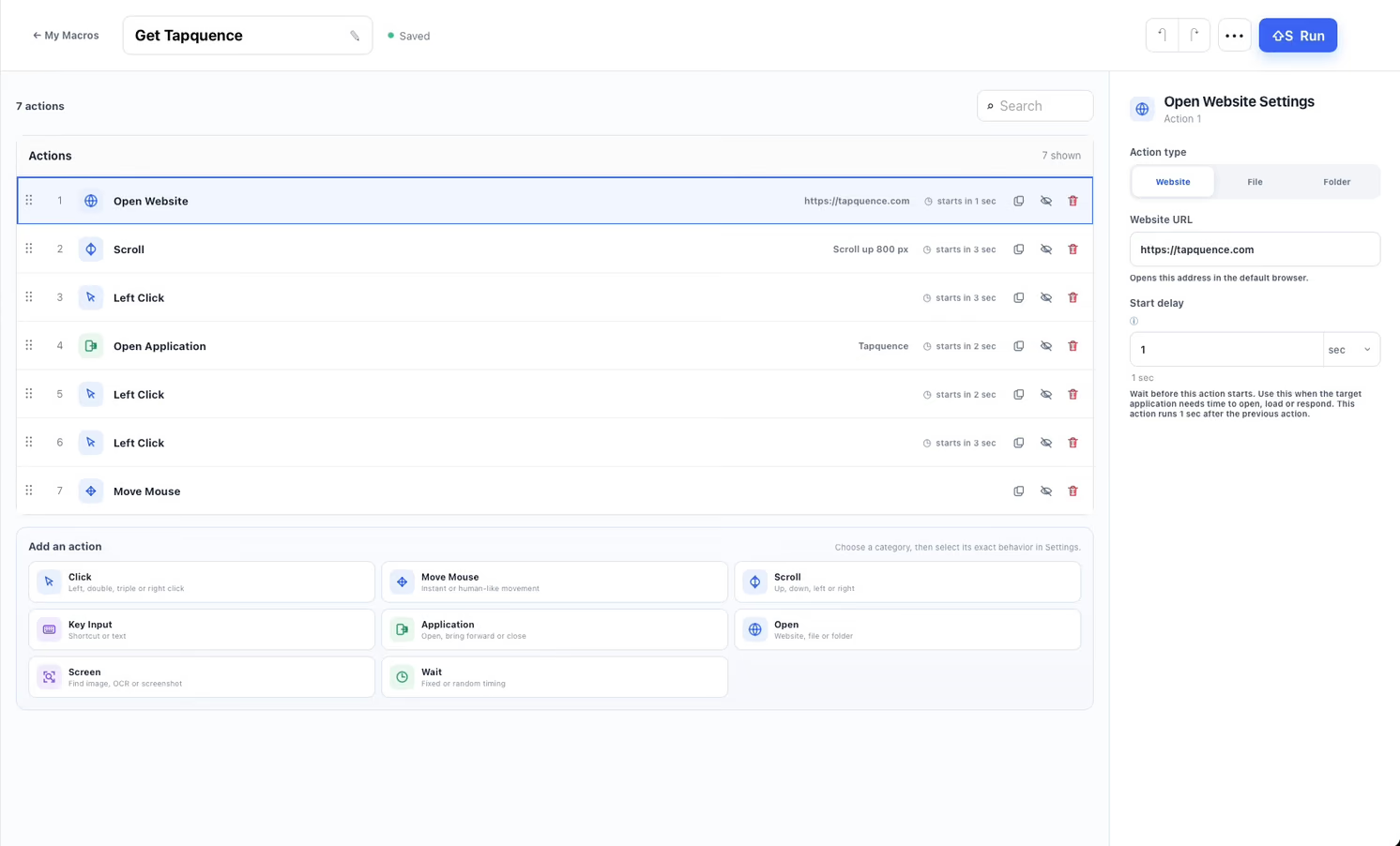
Yes. Tapquence lets you arrange mouse actions, keyboard input and waits in a visual editor. Review the sequence and test it before adding repeats.
Can a Mac macro automate mouse clicks and keyboard input?
Yes. You can combine clicks, shortcuts, typed text and timing in one Tapquence macro. The target application, window focus and click positions must match the steps you configure.
How do I repeat a sequence of actions on my Mac?
Build a short macro, test one run, then set the repeats or use repeat blocks for the part that should run again.
What is the difference between Visual Macros and Routine Scout?
With Visual Macros you build the sequence yourself. Routine Scout observes an explicit session and may suggest a repeated pattern that you review before saving or running.