EXPLORE TAPQUENCE
START READY-MADE
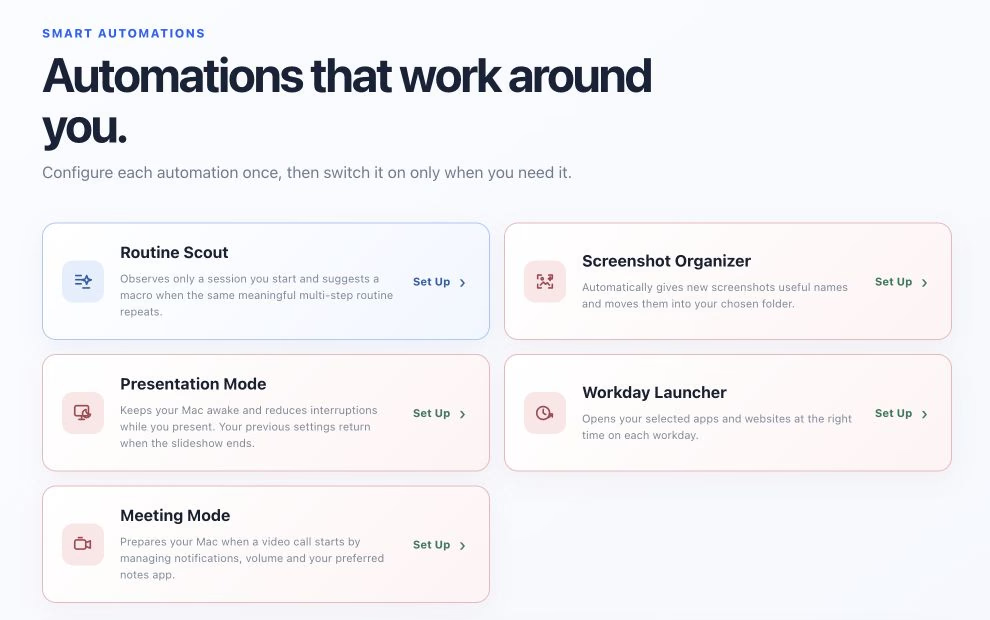
Prepare your Mac for presentations and supported calls, organize screenshots, or open the apps and websites you need for work. Choose your settings and enable the automation when you need it.
Explore Smart Automations →
MAKE IT YOURS
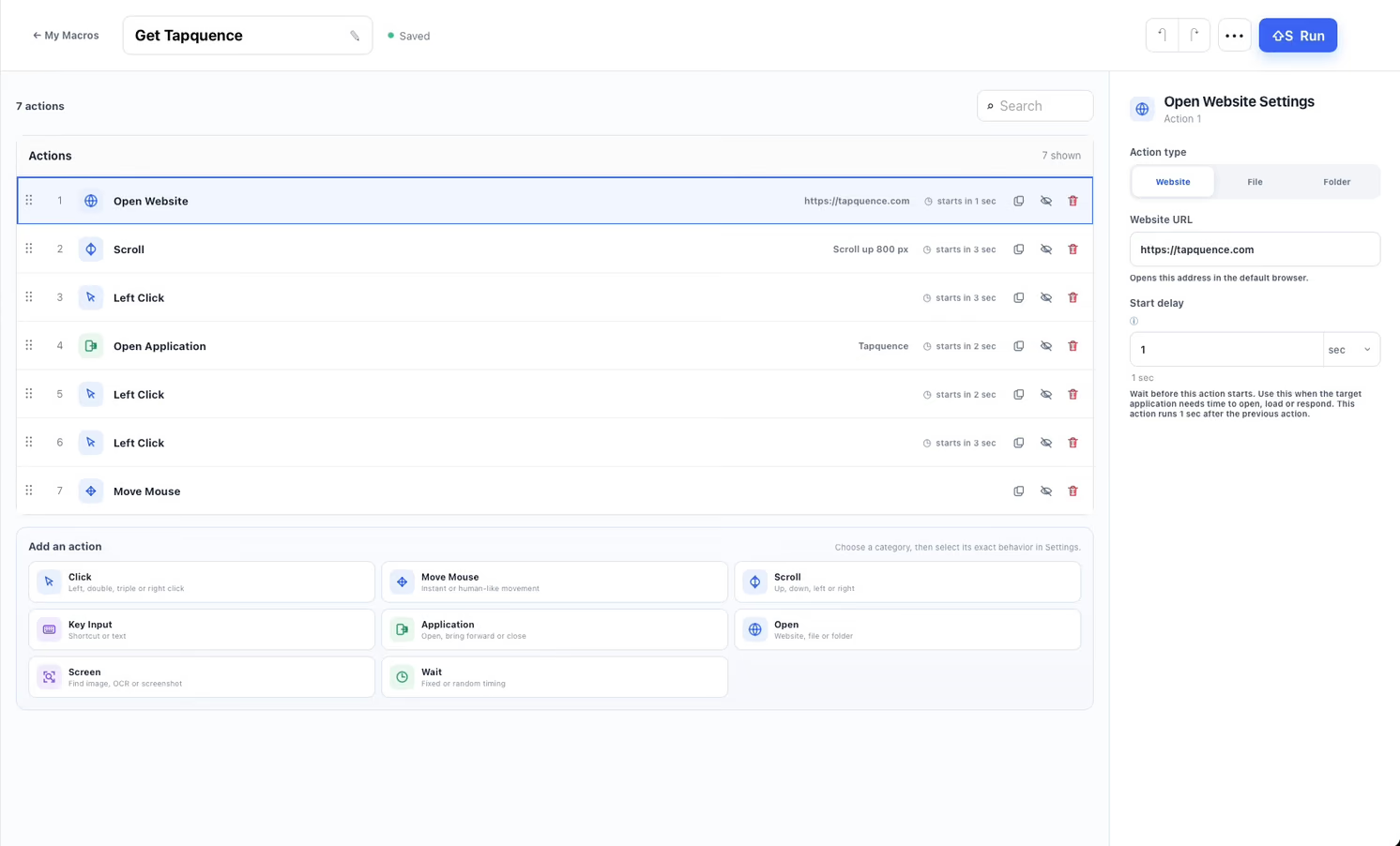
Build visual macros.
Combine mouse clicks, keyboard input and waits in a sequence you can see and edit. Group related actions and repeat the steps you need.
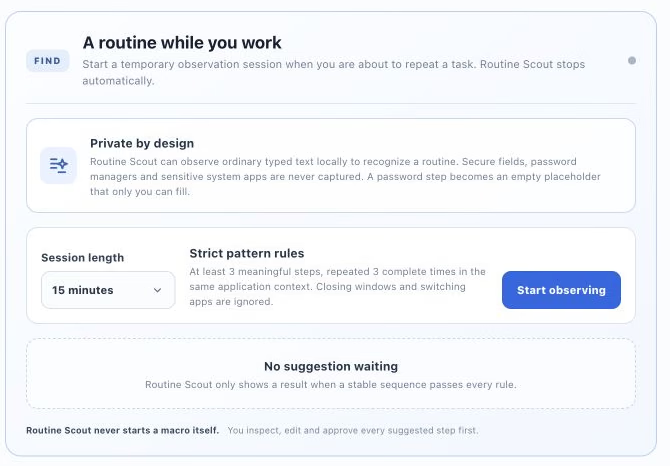
Find a repeatable pattern.
Start a local observation session while you repeat a task. Routine Scout may suggest a macro. Inspect and edit it before you save or run it.
Just need to repeat a click?
Set a click rate or interval, choose a click type, and follow your pointer or use a fixed position.
Start with one useful workflow.
Choose an automation, follow a guide or adapt a template. You stay in control of what runs.

© 2026 Tapquence. All rights reserved.