Automate the work you repeat on your Mac.
Use Smart Automations, visual macros and reusable templates to prepare your workspace, handle repetitive tasks and keep everyday work moving.
Tapquence notices the routine. You decide what happens next.
Routine Scout learns from your work and suggests automations you can review, tweak and run on your terms.
- Open Slack
- Open Notion
- Open 3 tabs in Chrome
Automations for the moments that repeat.
Ready-to-use automations that handle the details so you can focus on what matters.
Explore all automations →
- Keep display awake
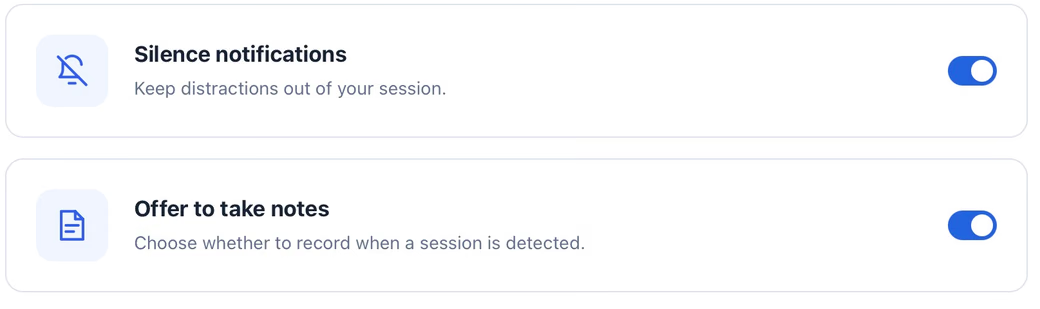
- Silence notifications
- Restore settings when you stop
Build the workflow your way.
Combine simple actions with screen-aware steps. Organize them in Groups, then use Repeat Blocks when the same work needs to happen more than once.
- Keep related steps together
- Read on-screen text with OCR
- Wait until an image appears
- Paste a list and run the same steps for every item
VISUAL WORKFLOWAutomate clicks.
Anywhere, anytime.
Set the speed, choose the click type and decide whether Tapquence follows your pointer or uses one position.
Start from proven workflows.
Open a real Tapquence template, inspect every action and make it fit the way you work.
Learn what to automate next.
Guides, ideas and examples to help you work smarter on your Mac.
Give repetitive work
back to Tapquence.
Download the free Mac beta and build your first workflow in minutes.
Download for MacExplore the guides →© 2026 Tapquence. All rights reserved.