ARTICLE
Sales Meeting Agenda: Start with the Customer’s Question
Tapquence Editorial
·
3 min read
Editorial week of
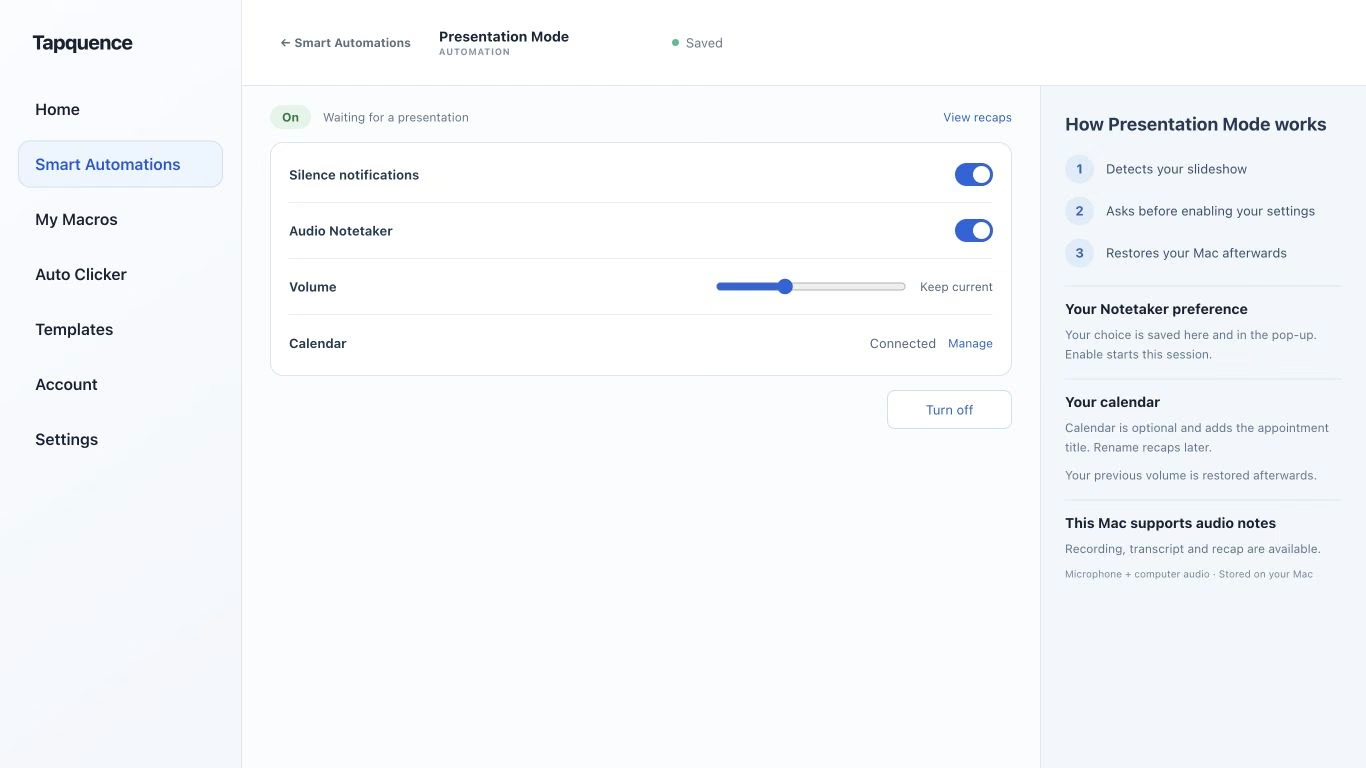
Presentation Mode settings. Review notification, recording and calendar choices, then test a short presentation.
KEY TAKEAWAY
An encouraging reaction is not a buying commitment. Preserve the customer’s conditions and confirm the next step.
A sales meeting agenda works best when it starts with the buyer’s question rather than the seller’s presentation. The purpose may be to understand a problem, test fit or agree a next step. Make that purpose explicit before deciding what to show.
This agenda is for a customer conversation, not an internal sales pipeline review. Adapt it to what the customer needs to learn or decide.
1. Agree the purpose of the conversation
At the start, confirm why the meeting was arranged and what would make it useful. Ask whether the customer has a particular question, constraint or decision in mind. Adjust the prepared material if the answer changes the focus.
Separate a request for information from a buying commitment. Somebody agreeing to see a demonstration has not necessarily agreed to a purchase, budget or implementation date.
CUSTOMER SALES AGENDA
Conversation structure
Purpose and available time:
Customer priorities:
Current approach and difficulty:
Relevant example or demonstration:
Fit, limitations and open questions:
Decision process:
Agreed next step and owner:
2. Understand before demonstrating
Ask how the customer currently handles the work and where it becomes difficult. Seek concrete examples, including what happens when the process fails. Use those details to choose a relevant demonstration rather than showing every feature.
Confirm the customer’s language for the problem. A phrase in your marketing may describe a different situation from the one they face. Summarise what you heard and invite a correction before proposing the solution.
Questions that clarify fit
Area
Useful question
Current work
Can you describe the last time this happened?
Impact
What did the extra work or error prevent?
Constraint
What must remain true for a change to be workable?
Decision
What would you need to check before choosing a next step?
3. Show only relevant material
Use an example tied to the customer’s stated task. Explain any assumptions and limits. A prepared example should not be presented as a result already achieved for this customer.
For a Mac presentation, Presentation Mode can support selected temporary Mac settings during supported presentations. Open the intended resources yourself and rehearse the path with the Presentation Mode guide before the call, including the screen-sharing view and restoration afterwards.
4. Record what was actually said
Keep questions, objections and next steps distinct. An encouraging comment is useful context, but it is not the same as a confirmed decision. Preserve a customer’s condition rather than translating it into a stronger sales claim.
CUSTOMER FOLLOW-UP
Fictional example
“This looks useful. We need IT to review the setup before considering a trial.”
Accurate note
Customer sees potential value; IT review is required before a trial decision.
Next step
Send the requested setup information to the agreed contact.
Not agreed
A trial start date or purchase commitment.
If the participants agree to recording, Audio Notetaker provides source audio and transcript for review. Check important wording before it enters a customer recap or internal forecast.
5. Confirm a useful next step
Agree the next action, its owner and the information it should produce. Ask whether a date is a commitment or a proposal. If there is no agreed next step, record that honestly rather than manufacturing progress.
Send a concise recap with the customer’s stated need, unresolved questions and accepted actions. Review recipients and any sensitive context before sharing. A clear follow-up helps both sides decide whether the next conversation is worthwhile.
