ARTICLE
Project Status Meeting Agenda: Focus on Changes and Decisions
Tapquence Editorial
·
3 min read
Editorial week of
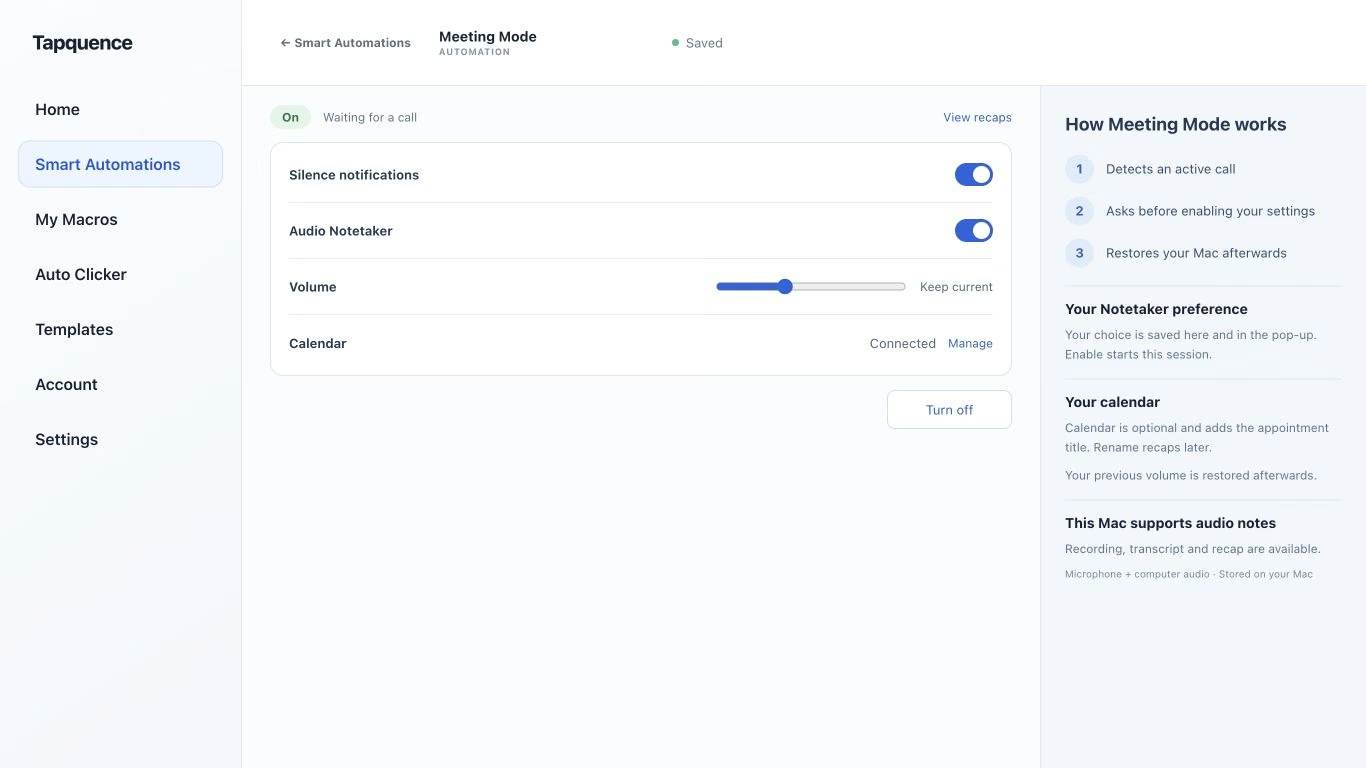
Meeting Mode settings. Review the choices and test both activation and restoration.
KEY TAKEAWAY
Discuss what changed and where the group can help. A new target on a slide is not an accepted commitment.
A project status meeting agenda should direct attention to changes, blockers and decisions. If everyone simply reads a task list aloud, the meeting can consume time without changing what the team knows or does.
Use written updates for routine progress where practical, then focus the conversation on work that needs coordination. The resulting notes should make the next step easier to understand.
1. Prepare current information before the meeting
Ask owners to update the shared record before the call. Make clear which date the status reflects and where estimates or dependencies remain uncertain. Avoid mixing last week’s slide with this morning’s verbal update.
The meeting organiser should identify decisions that need the group and invite the people who can make them. A missing decision owner is a dependency worth naming, not a problem that more status reporting will solve.
PROJECT STATUS AGENDA
Focus on change
Period and source of status:
Changes since the last review:
Milestones at risk and why:
Blocked work needing coordination:
Decisions required today:
Actions, accepted owners and dates:
Open dependencies and next review:
2. Discuss the exceptions
Start with meaningful changes: a dependency moved, an assumption failed or a milestone needs a decision. A green status that has not changed may need no discussion. Spend time where the group can help.
Replace labels with useful information
Unclear update
Useful update
Design is amber.
Review is blocked by missing accessibility feedback; the team needs a response owner.
Engineering is on track.
The current milestone remains achievable with the stated scope.
Launch moved.
A new target is proposed, but the dependency owner has not confirmed it.
Give an issue enough context to support a choice. If detailed problem solving needs a smaller group, agree the follow-up rather than letting one issue consume the whole status review.
3. Separate targets from commitments
When dates change, ask which inputs support the new estimate. Record whether the date is accepted, provisional or awaiting information. A revised date on a slide should not silently become a promise made by an absent team.
MILESTONE REVIEW
Fictional project
Change
Testing cannot start until revised screens are reviewed.
Action
Maya will request the review from the named owner.
Target
Friday is proposed, pending reviewer availability.
Decision needed
Whether to reduce the test scope if the dependency slips.
4. Capture the working record
Keep decisions, actions and open dependencies under separate headings. Read back the accepted next steps before the meeting closes. If someone offers to investigate, record that action rather than assuming the underlying problem is resolved.
Audio Notetaker can provide a recording and transcript for checking important statements after an agreed recording session. Use the Notetaker guide to prepare it, and verify dates and owners against the source before sharing.
5. Make the next review shorter
Put accepted actions in the normal work tracker and link to the relevant decision record. At the next status meeting, start with what changed. Close resolved dependencies so they do not remain on the agenda indefinitely.
A predictable call environment also helps. Meeting Mode can support selected Mac settings around supported calls. Test it independently of the project process: technology can reduce setup work, while the agenda determines whether the discussion is useful.
