TAPQUENCE SUPPORT
Why is there no sound in my recording?
Check the two audio sources separately and make a short test.
First determine which source is missing: your own microphone, the other participants’ computer audio, or both. You can check this in the saved session’s Audio tab.
1. Check microphone access
Open System Settings → Privacy & Security → Microphone and confirm Tapquence is enabled. Check that the microphone or headset you intend to use is the Mac’s active input device. Speak briefly while making a test recording.
2. Check computer-audio access
Open Screen & System Audio Recording in Privacy & Security and allow the installed Tapquence app. Computer audio is captured separately from the microphone, so using headphones does not require sound to play through the speakers.
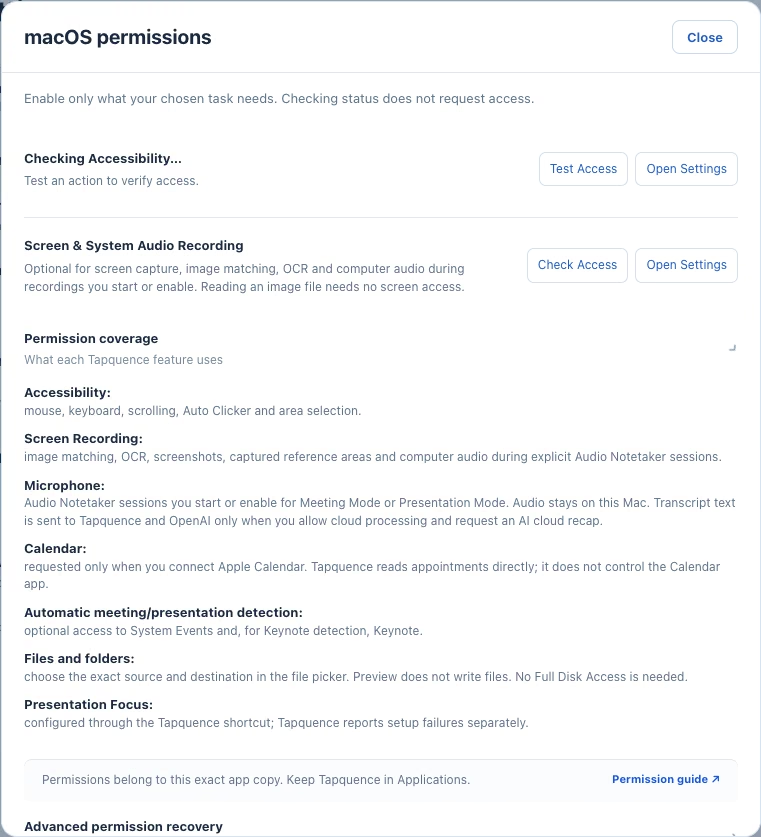
3. Reopen the installed copy
Keep Tapquence in Applications. If macOS asks you to quit and reopen after a permission change, do so. Make sure an old copy from a disk image or another folder is not the one running.
4. Record a short test
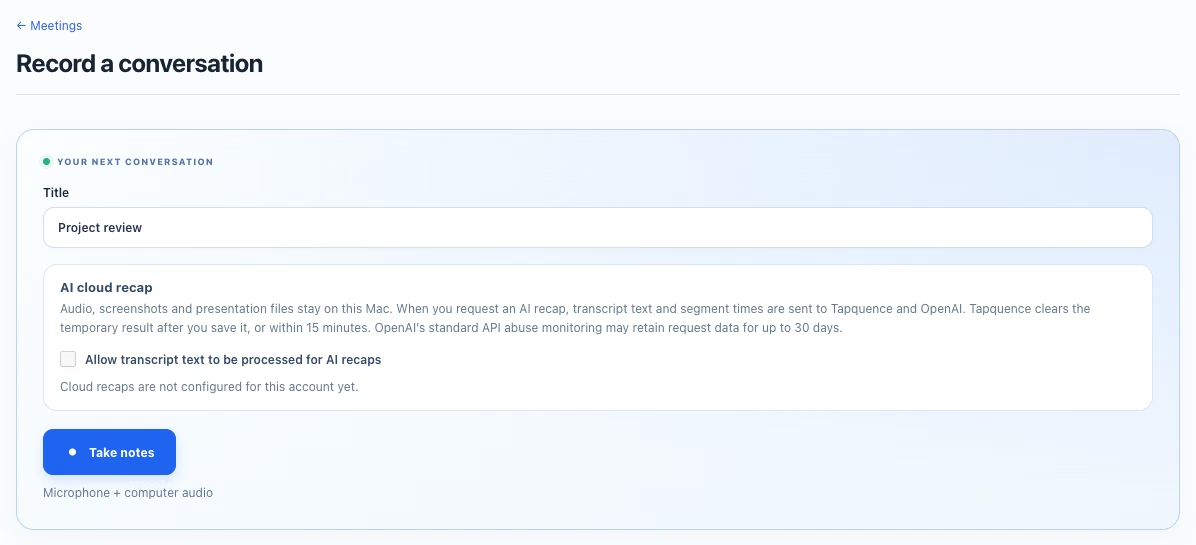
Choose Record a conversation, start taking notes, say a few words and play a short sound on the Mac. Finish the recording and listen in the Audio tab. Test with the actual headset and meeting app you plan to use.
If it is still silent
Note the app version, macOS version, input device and which source is missing. Contact support with these details. Do not attach a private recording unless you have chosen to share it and have permission from the people involved.
