Calendar & integrations
Connect your calendar and keep working in your familiar apps.
Frequently asked questions
The essentials, without leaving this page.
Do I need to connect a calendar?
No. You can use Meetings and start a conversation recording without a calendar connection.
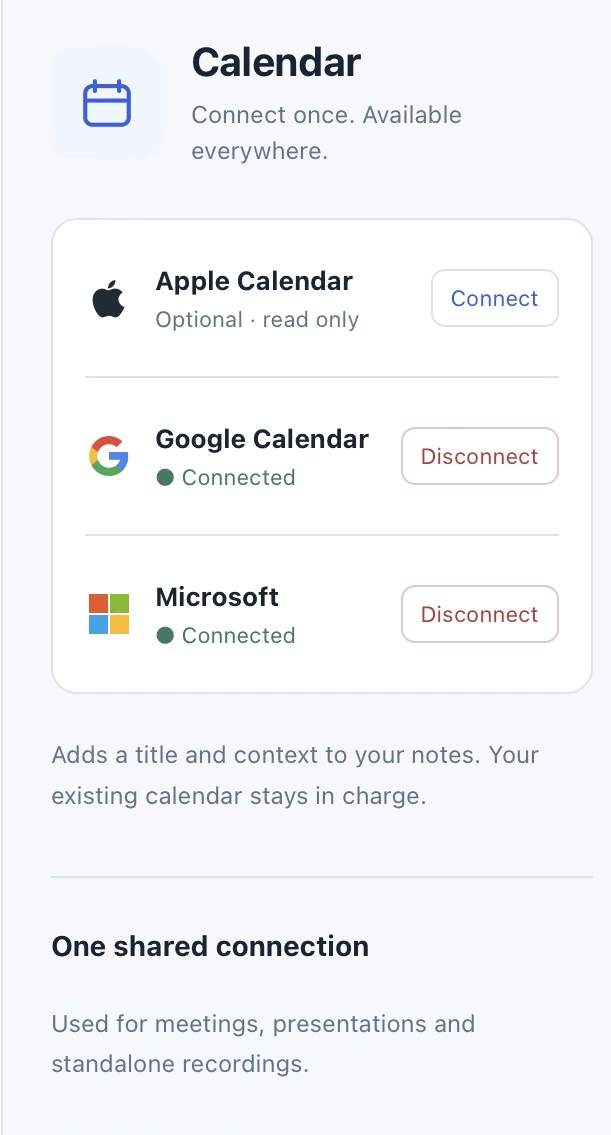
A connected calendar can add available appointment titles and context. It does not replace your calendar app or automatically start recording.
What calendar information is used for a recording?
When an appointment can be associated with a session, available details such as its title, start time and provider can appear with the recap. Invitee addresses may be suggested when preparing an email.
Review the association and recipients before sharing. An invitation does not prove attendance, and a calendar title does not prove what was discussed.
Can I disconnect my calendar?
Yes. Manage the connection in Settings and disconnect it when you no longer want Tapquence to read it.
Manual recording remains available without a calendar connection. If a connection needs renewed access, reconnect it explicitly in Settings and follow the provider’s permission prompts.
